Salesforce logged Trust incident 20004433 on September 16, 2026: about 7 hours 36 minutes of impact during Dreamforce week. A ComEd lesson on never going dark, plus a 14-day continuity sprint.
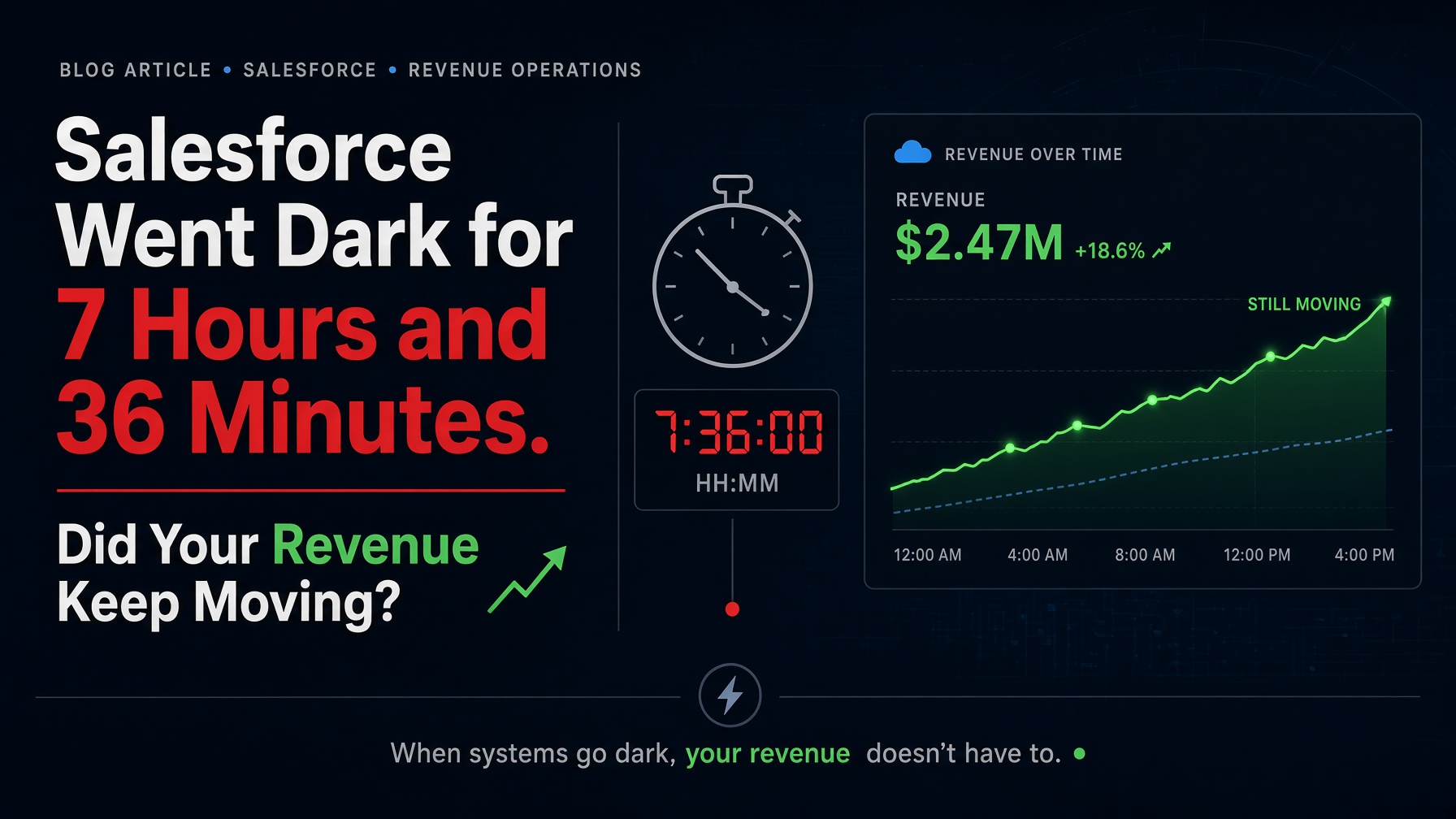
Salesforce went dark for about 7 hours and 36 minutes. The outage was Salesforce's problem. The blind spot was yours.
It happened on September 16, 2026, during Dreamforce week. Your team either kept working or sat and waited. Did your reps keep selling? Did your support team keep answering?
If you don't know, you just found the gap. Here is how to close it in 14 days.
A customer should never feel your system change. I learned that as a consultant at Commonwealth Edison, the Chicago electric utility.
ComEd moved its business unit from downtown Chicago to Oak Brook Terrace, Illinois. I ran the user data migration from the old Wang/VS system onto Novell NetWare.
That business unit ran a 24-hour call center. Storms. Holidays. Weekends. It never closed. Electricity does not stop being needed at 5 p.m.
So the migration had one rule. The call center never goes dark.
I built the migration procedures around that rule. The move happened in the background while the front line kept answering calls. The people on the phone never knew a migration happened. That was the standard.
Most consultants treat a migration like a project with a launch date. Operators treat it like a live service with a transfer window inside it. The seam between the old system and the new one is where amateurs show themselves.
Salesforce logged a multi-region disruption on its Trust site as incident 20004433. Its own timeline puts the start at 07:50 UTC and recovery at 15:26 UTC. That is about 7 hours and 36 minutes of impact. Salesforce marked the incident resolved at 18:59 UTC the same day.
Customers on affected instances reported severe delays, intermittent errors, blocked access to some services, and no way to create support cases.
Early updates said requests stalled while waiting on an internal login service. Later updates described an external dependency failure affecting a legacy login server, with elevated load on a core component. Salesforce validated a fix on a test instance at 10:56 UTC and rolled it out fleetwide. Some instances needed manual restarts. Salesforce also noted reports that scheduled jobs did not run as expected for some customers.
At resolution, Salesforce had not published a root cause. It said a full investigation would follow. Treat every claim about the cause as a guess until that report lands.
The people who pay are the ones whose revenue runs through Salesforce.
The pain is lost selling hours, stalled support queues, and open questions about your automations.
You don't control Salesforce's uptime. You control what your customer sees when Salesforce stops.
ComEd protected the customer-facing layer from a change it could see coming. An outage gives you no warning. The rule still holds. Protect the customer-facing layer. Ask three questions:
If you can't answer all three in two minutes, you don't have a continuity plan. You have hope.
Salesforce is the engine behind your call center, your pipeline, and your renewals. When it stops, your customer still calls. Someone has to pick up.
The window is the next 14 days. Your leadership team still feels the gap. Post-mortems, job-replay checks, and board questions are still open. That heat fades. Move while the gap is fresh.
It is a fixed-fee sprint that gives you a written picture of what broke and a working plan for the next dark hour. Here are the steps.
What this sprint does not do. It does not stop Salesforce from having an outage. It gives your org better detection, a working fallback, and faster recovery.
Salesforce's Trust timeline shows about 7 hours and 36 minutes of impact, from 07:50 UTC to 15:26 UTC. The incident was declared resolved at 18:59 UTC.
Salesforce's updates pointed to requests stalling on a login service, later described as an external dependency failure affecting a legacy login server. No public root-cause report existed at resolution. A full investigation was promised.
Salesforce noted reports that scheduled jobs did not run as expected for some customers after access returned. Check your own org. Do not assume either way.
It is a minimal offline path for your revenue and support teams. It includes a read-only export cadence, an escalation tree, customer-comms templates, and a runbook for when Salesforce is dark.
No. It improves detection, continuity, and recovery inside your org. It does not change Salesforce's infrastructure.
Book a 90-minute Salesforce Continuity Diagnostic this week. Fixed fee. Written scorecard in 72 hours. Book it here.
Not ready to book? Send your instance ID and the three workflows that failed on September 16. We'll return a scoped sprint proposal within one business day. Use the contact page.
I'm Charles K. Davis, Fractional CDO at SERIO Design FX, the team behind M.A.P. (Maverick Advantage Platform) and M.A.D. (Maverick Advantage Design).
P.S. This is for leaders whose revenue runs through Salesforce. If your CRM is a side tool, skip this one.
M.A.D. Designs Your Brand. M.A.P. Makes You Known For It.
Stop Reading. Start Seeing.